Instructions to use OpenBuddy/openbuddy-llama-ggml with libraries, inference providers, notebooks, and local apps. Follow these links to get started.
- Libraries
- Transformers
How to use OpenBuddy/openbuddy-llama-ggml with Transformers:
# Use a pipeline as a high-level helper from transformers import pipeline pipe = pipeline("text-generation", model="OpenBuddy/openbuddy-llama-ggml")# Load model directly from transformers import AutoModel model = AutoModel.from_pretrained("OpenBuddy/openbuddy-llama-ggml", dtype="auto") - Notebooks
- Google Colab
- Kaggle
- Local Apps
- vLLM
How to use OpenBuddy/openbuddy-llama-ggml with vLLM:
Install from pip and serve model
# Install vLLM from pip: pip install vllm # Start the vLLM server: vllm serve "OpenBuddy/openbuddy-llama-ggml" # Call the server using curl (OpenAI-compatible API): curl -X POST "http://localhost:8000/v1/completions" \ -H "Content-Type: application/json" \ --data '{ "model": "OpenBuddy/openbuddy-llama-ggml", "prompt": "Once upon a time,", "max_tokens": 512, "temperature": 0.5 }'Use Docker
docker model run hf.co/OpenBuddy/openbuddy-llama-ggml
- SGLang
How to use OpenBuddy/openbuddy-llama-ggml with SGLang:
Install from pip and serve model
# Install SGLang from pip: pip install sglang # Start the SGLang server: python3 -m sglang.launch_server \ --model-path "OpenBuddy/openbuddy-llama-ggml" \ --host 0.0.0.0 \ --port 30000 # Call the server using curl (OpenAI-compatible API): curl -X POST "http://localhost:30000/v1/completions" \ -H "Content-Type: application/json" \ --data '{ "model": "OpenBuddy/openbuddy-llama-ggml", "prompt": "Once upon a time,", "max_tokens": 512, "temperature": 0.5 }'Use Docker images
docker run --gpus all \ --shm-size 32g \ -p 30000:30000 \ -v ~/.cache/huggingface:/root/.cache/huggingface \ --env "HF_TOKEN=<secret>" \ --ipc=host \ lmsysorg/sglang:latest \ python3 -m sglang.launch_server \ --model-path "OpenBuddy/openbuddy-llama-ggml" \ --host 0.0.0.0 \ --port 30000 # Call the server using curl (OpenAI-compatible API): curl -X POST "http://localhost:30000/v1/completions" \ -H "Content-Type: application/json" \ --data '{ "model": "OpenBuddy/openbuddy-llama-ggml", "prompt": "Once upon a time,", "max_tokens": 512, "temperature": 0.5 }' - Docker Model Runner
How to use OpenBuddy/openbuddy-llama-ggml with Docker Model Runner:
docker model run hf.co/OpenBuddy/openbuddy-llama-ggml
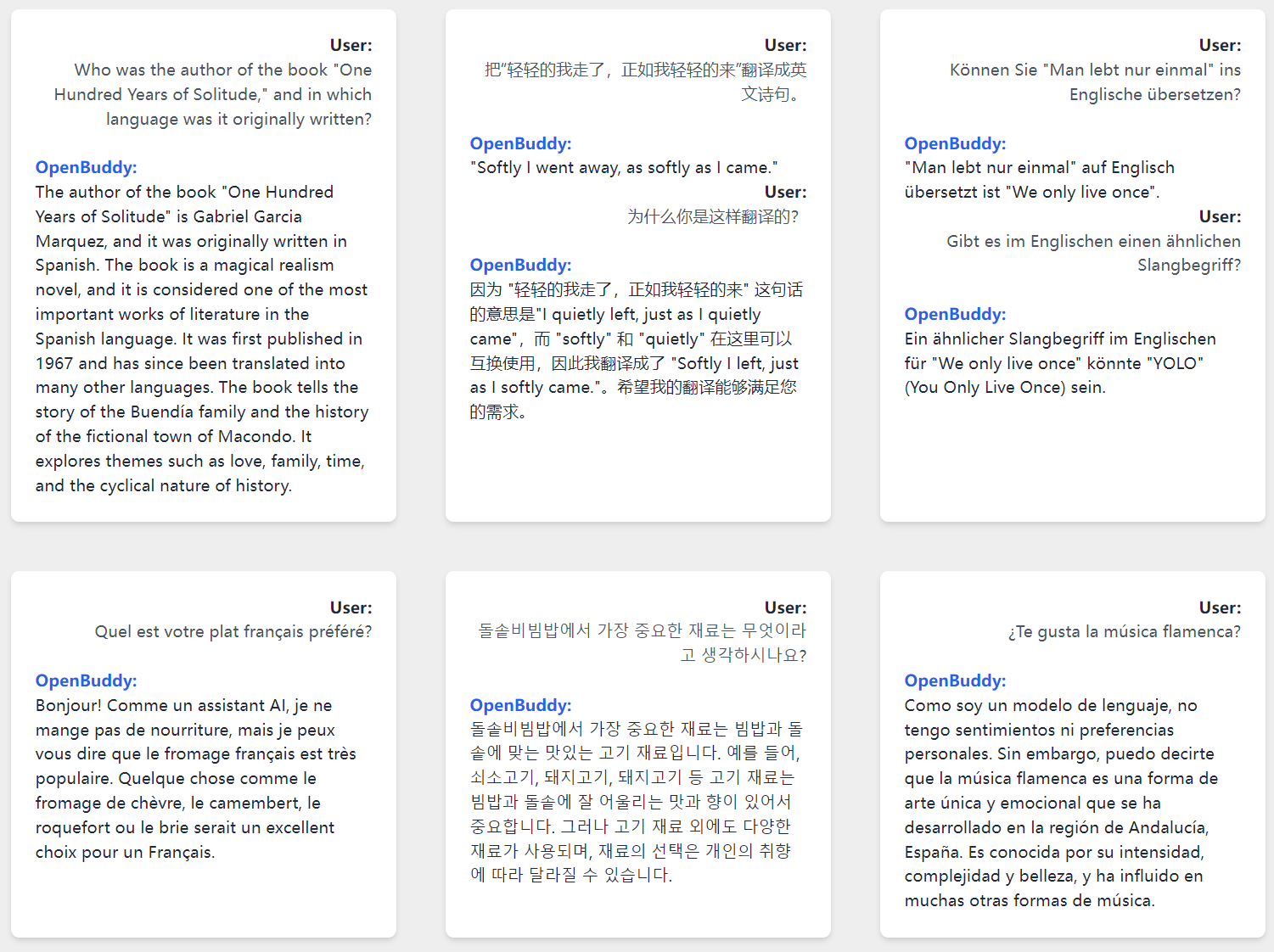
OpenBuddy - Open Multilingual Chatbot based on LLaMA
GitHub and Usage Guide: https://github.com/OpenBuddy/OpenBuddy
Website and Demo: https://openbuddy.ai
Installation
Due to licensing restrictions from LLAMA, you need to have the original LLAMA-7B model to decrypt the model weights.
To decrypt the model weights, please follow the guide in our GitHub: https://github.com/OpenBuddy/OpenBuddy#installation
Disclaimer
OpenBuddy is provided as-is without any warranty of any kind, either express or implied. The authors and contributors shall not be held liable for any damages resulting from the use or inability to use this software. By using OpenBuddy, you agree to these terms and conditions.
License Restrictions
OpenBuddy is intended for non-commercial research purposes only, following the same restrictions as the LLAMA model. Any use outside of this scope is strictly prohibited. For more information, please refer to the LLAMA license.
